What the Mod Changes
YUNG’s Better Ocean Monuments redesigns ocean monuments to be more engaging and rewarding. The new monuments are much larger than vanilla ones and have completely randomized layouts. This guide shows you how to install the mod on a Forge, NeoForge, or Fabric server.

Larger Monument Design


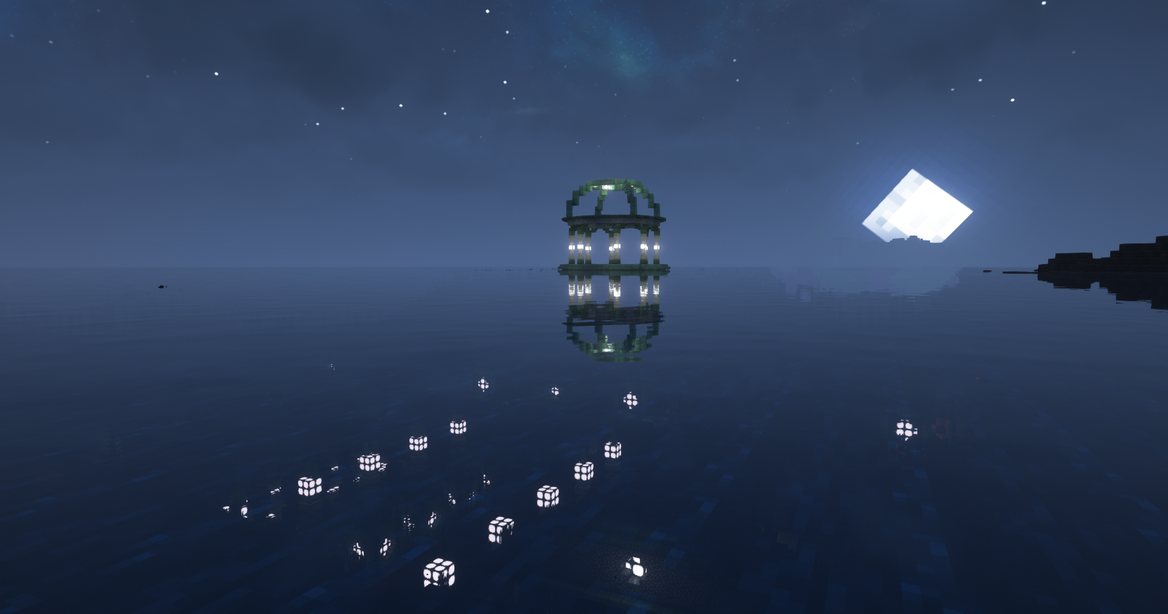
Image by YUNGNICKYOUNG via CurseForge
Randomized Layouts


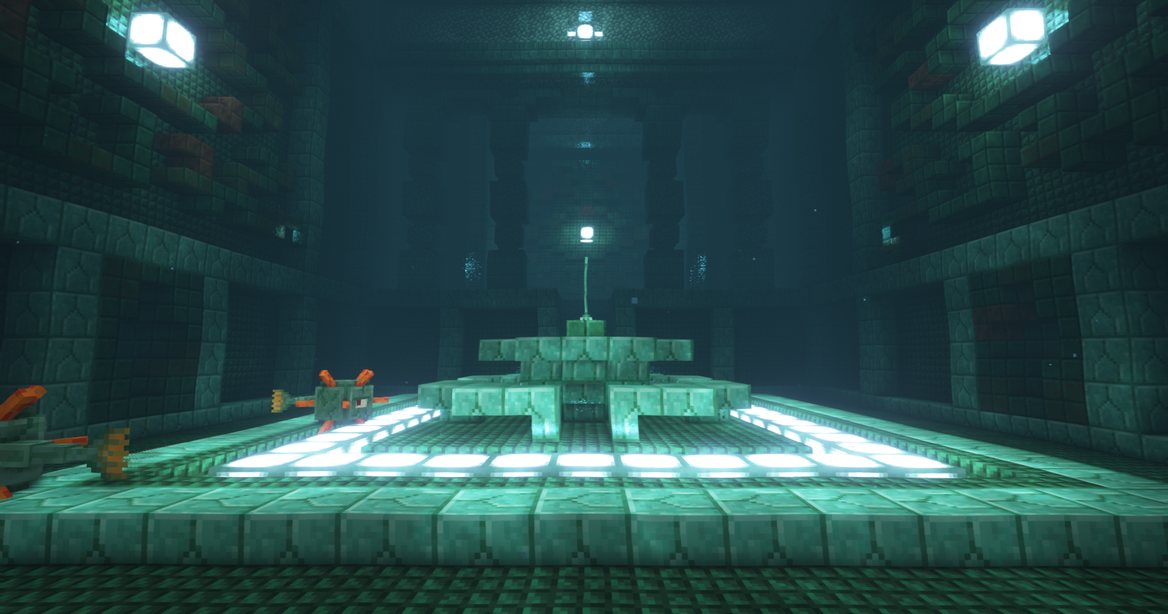
Image by YUNGNICKYOUNG via CurseForge
Better Monument Loot

How to Download
- Go to the Forge/NeoForge or Fabric versions of YUNG’s Better Ocean Monuments, then click Files.

- Locate your desired Game Version and press the three vertical dots on the right.
- Proceed to click Download File, then save it on your desktop for later.

Required Dependencies
Repeat the above steps with the following mods, according to your version.
- Forge/NeoForge: YUNG’s API (Forge/NeoForge)
- Fabric: YUNG’s API (Fabric), Fabric API, and Cloth Config API
The Forge/NeoForge page lists these builds:
- Forge: 1.18.2, 1.19.2 to 1.19.4, 1.20.1, 1.20.4, and 1.21.1
- NeoForge: 1.21.4 and 26.1.2
Client Installation
Supporting mods in Minecraft requires you to install Forge, NeoForge, or Fabric, depending on your desired setup. Once you’ve done this, the mod will become available to explore. The following instructions show you how to install this mod in Minecraft.
- Open your Minecraft launcher, then click the Folder icon for your modded profile.

- Locate the mods directory and move all downloaded files into this area.

If you don’t have this folder, create it before adding the files inside.
- Return to the launcher, then click Play on your modded profile to load it up.
Server Setup
To play with friends, you need a modded Minecraft server. If you do not have one, purchase one first. Afterward, you can change the Game File to Forge or Fabric, depending on your setup, to support YUNG’s Better Ocean Monuments. The following instructions show you how to install the mod on your Minecraft server.
- Head towards your Apex server panel, then click FTP File Access near the top.

- Login with your credentials and enter the mods directory from the list.

- Continue to click Upload, then drag and drop the files accordingly.

- Wait for these files to reach 100%, then generate a new world from the main panel.
- Once that’s completed, join the server to confirm everything works.
Modbox Installation
As an alternative to the manual installation, you can use Modbox to install this mod on your server. Modbox is our built-in mod browser with direct CurseForge integration.
- Log in to your Apex Hosting account and open your Minecraft server panel.
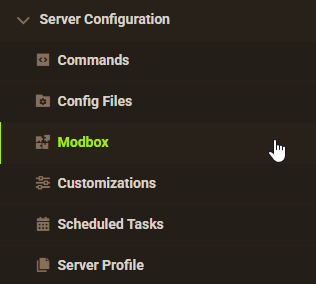
- On the left side, select Server Configuration > Modbox.
- Search for the mod you want and open its mod page.
- Select the recommended version for your server, then click Install.
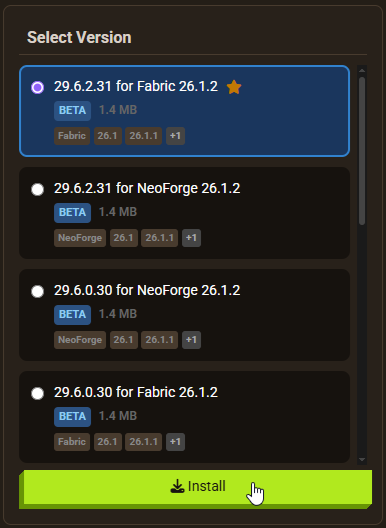
Modbox automatically matches mods to your server’s installed version, but it does not install dependencies automatically. This mod needs YUNG’s API on Forge, NeoForge, and Fabric, and Fabric also needs Fabric API and Cloth Config API. Install each dependency through Modbox first, then install the mod.
FAQ: YUNG’s Better Ocean Monuments
Forge builds exist for 1.18.2, 1.19.2 to 1.19.4, 1.20.1, 1.20.4, and 1.21.1. NeoForge builds exist for 1.21.4 and 26.1.2. The Fabric page lists the same game versions. Match the file to your server version.
Yes. Forge and NeoForge need YUNG’s API. Fabric needs YUNG’s API, Fabric API, and Cloth Config API. CurseForge lists all of them as required dependencies.
Structure and world generation mods usually only show up in areas you have not explored yet. Create a new world, or explore farther into areas you have not visited.
Useful Links
- YUNG’s Better Ocean Monuments for Forge/NeoForge
- YUNG’s Better Ocean Monuments for Fabric
- How to Install Forge on Minecraft
- How to Install Fabric on Minecraft
- YUNG’s Better Mineshafts Mod