Combining technology with exploration often pushes space travel to the very end of your progression. The Minecraft modpack Create: Astral challenges this tradition by making space exploration a core part of its early-game progression. In this Apex Hosting guide, we’ll show you how to install Create: Astral on your Minecraft server with our one-click installer 👏
Create: Astral Modpack Installation
How to Download (Client)
- Install CurseForge if you haven't already, as it's required for the modpack.
- Open the CurseForge App and search for the modpack.
- Click
Installand wait for the download to finish. - The modpack profile will appear under
My Modpacksonce complete.
How to Install (Server)
- Purchase an Apex Hosting Server if you don't already have one, then follow these steps:
- Navigate to your Apex server panel and open the
Game Filesection. - Use the dropdown and search for the modpack name, then select it.
- Follow the prompts:
Change Version > Generate New World > Restart Now. - Wait for the server to load and join using your modded profile.
Create: Astral Modpack Showcase
Create: Astral combines the engineering of the Create mod with the adventure of space travel. This modpack sends players on a journey from their home world to the stars, driven by complex machinery and automation.
Quest-Driven Progression
A detailed quest book with over five chapters guides progression through the pack. Each chapter is themed around a celestial body, providing clear objectives for reaching and colonizing new worlds. This structure helps players navigate the intricate mechanics within Create: Astral.
Custom Planetary Exploration
Journey to entirely new celestial bodies like a customized Moon, Mars, and Mercury. These worlds feature unique world generation, massive overhauled structures, and custom ore placement. The Create: Astral modpack populates these planets with different mobs, making every expedition a new challenge.
Full Mod Integration
Many popular mods are built directly into Create’s crafting systems for a unified experience. For example, Tinkers’ Construct is integrated, allowing the creation of liquid metals and alloys using Create’s mixers. This design philosophy means all the content in Create: Astral works together.
Complex Crafting and Automation
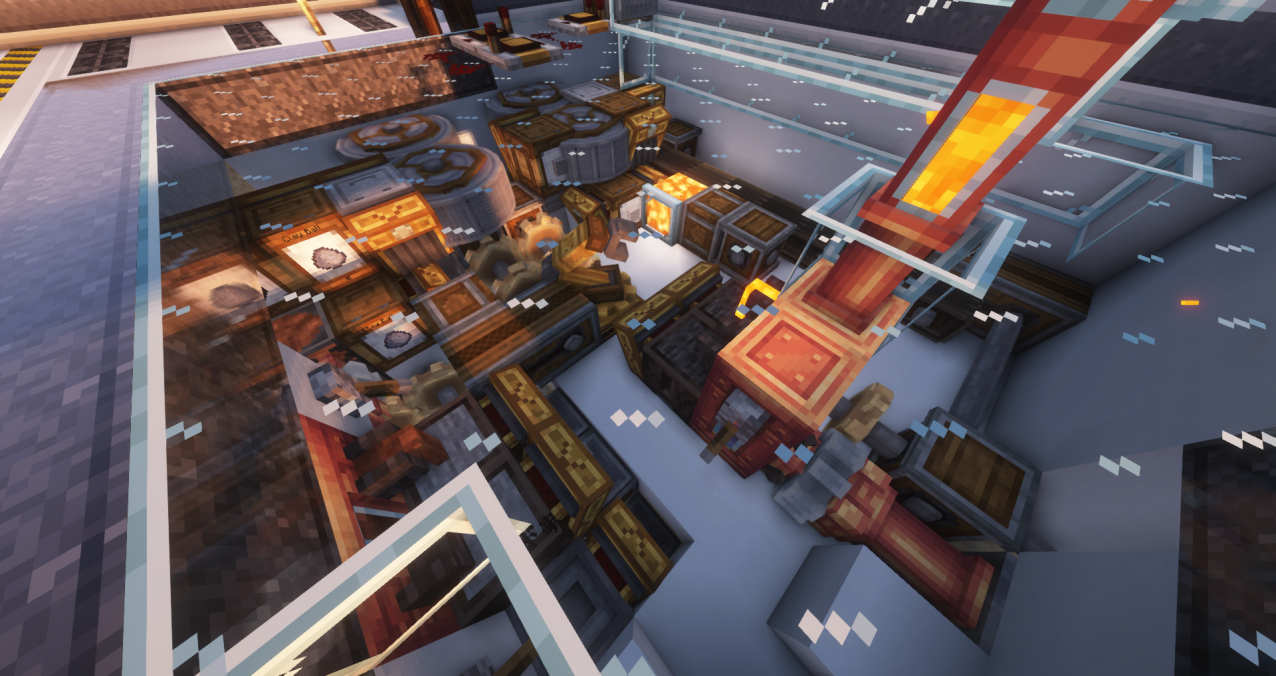
Build intricate factories to automate the production of nearly every essential resource. The pack requires the use of Create mechanics, sequenced assembly, and processes from Tech Reborn to solve engineering challenges. Mastering these systems is key to progressing in Create: Astral and funding your space program.
Modded Minecraft Server Hosting
The Create: Astral modpack introduces quest-driven space exploration that challenges you to industrialize the solar system. There are still entire planets to colonize and new tiers of Create machinery to assemble. Invite your friends and start exploring everything Create: Astral has to offer
Frequently Asked Questions
Below are frequently asked questions about Create: Astral.
What is the progression like in this modpack?
The progression is centered around the Create mod, Tech Reborn, and solar system exploration across over five chapters of quests. You will automate resources and industrialize your operations to expand from your starting planet to a fully customized Moon, Mars, and Mercury.
How do I access space travel, and is it only available late in the game?
Space travel is an integral part of the progression rather than an endgame goal. You gain the ability to create a portal to the Moon early in the game by using Shimmer and special items crafted from moon rock found in the overworld. This makes exploring space a core experience in Create: Astral.
Is this modpack good for beginners?
While the modpack features complex farms intended for experts, it includes a carefully developed in-game quest book. This guide provides thorough explanations to let any budding engineer learn the required knowledge. Create: Astral is designed to help new players become experts themselves through detailed guidance.