Many players seek a complete fantasy RPG adventure within Minecraft, complete with quests, magic, and a living economy. The DarkRPG modpack delivers this experience, transforming the world into a massive MMO with over 1800 quests, powerful bosses, and official servers. In this Apex Hosting guide, we’ll show you how to install DarkRPG on your Minecraft server with our one-click installer 👏
DarkRPG Modpack Installation
How to Download (Client)
- Install CurseForge if you haven't already, as it's required for the modpack.
- Open the CurseForge App and search for the modpack.
- Click
Installand wait for the download to finish. - The modpack profile will appear under
My Modpacksonce complete.
How to Install (Server)
- Purchase an Apex Hosting Server if you don't already have one, then follow these steps:
- Navigate to your Apex server panel and open the
Game Filesection. - Use the dropdown and search for the modpack name, then select it.
- Follow the prompts:
Change Version > Generate New World > Restart Now. - Wait for the server to load and join using your modded profile.
DarkRPG Modpack Showcase
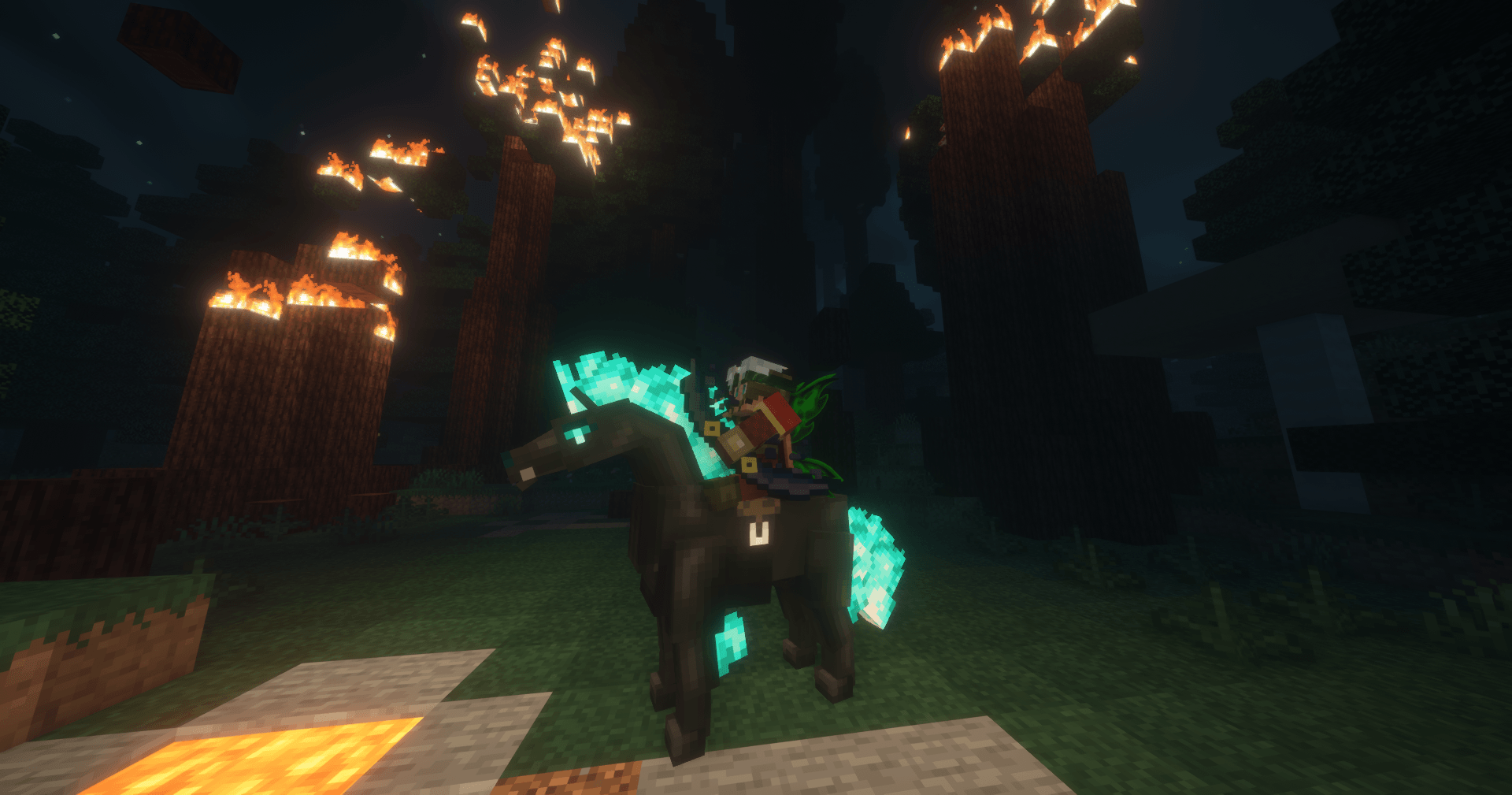
The DarkRPG modpack adds deep roleplaying mechanics directly into Minecraft. These new systems create a fresh fantasy adventure experience.
Ultimate Role Play Experience
Build a unique character by selecting an Aspect, Origin, Type, Divine Aspect, and Class. These different attributes combine to create distinct playstyles and character builds. The DarkRPG modpack provides this deep character customization from the very beginning of an adventure.
Party System
Form teams with other players to adventure together. A private party chat is included for communication with just your group members. The DarkRPG modpack makes coordinating with friends for quests and exploration simple.
Full Currency System
A complete currency system introduces new ways to trade items with other players. The DarkRPG modpack includes player-driven auction houses and shops for a server-wide economy. There is even a casino for those feeling lucky.
Built-in MMO Official Servers
Official servers appear directly inside the in-game multiplayer menu for immediate access. This removes the need to search for server addresses to start playing online. The DarkRPG modpack provides this list, connecting players with established communities right away.
Modded Minecraft Server Hosting
The DarkRPG modpack introduces a full fantasy RPG experience to Minecraft, complete with over 1800 quests to complete. There are still many new bosses to fight and an entire economy to participate in. Invite your friends and start exploring everything DarkRPG has to offer
Frequently Asked Questions
Below are frequently asked questions about DarkRPG.
How do I find quests in this modpack?
Press the L key to open the advancements menu and locate the book icon for advancement-based quests. You can also press the I key to open the FTB Quest menu, where you can find different quest categories by hovering your mouse to the left side.
What should I do if I get an ‘origins id’ error?
If you receive an ‘origins id’ error when joining a server, create a new singleplayer world. After you choose your origins and classes and the world fully loads, you can log out and rejoin the server.
What is the recommended amount of RAM for DarkRPG?
To play DarkRPG, it is recommended to use at least 6-8GB of RAM within the CurseForge App. The modpack is built for performance and low end machines compared to other large packs.