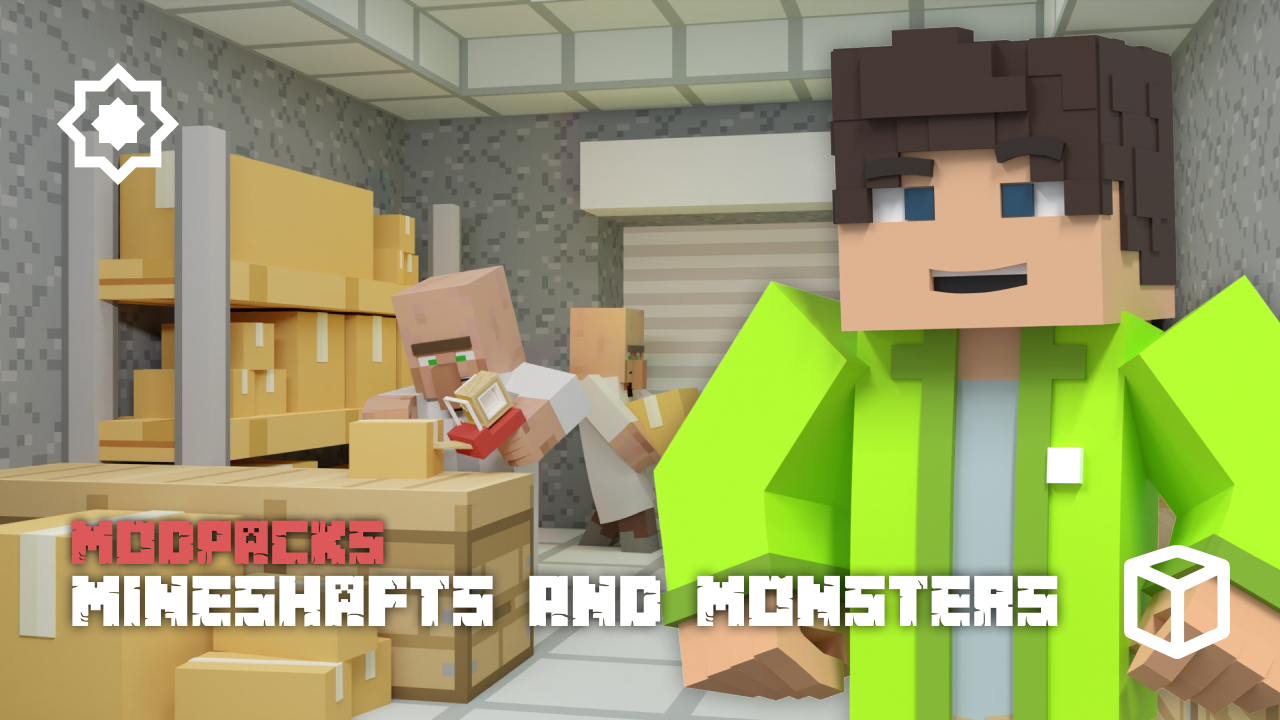
A structured adventure with quests and new creatures can completely change Minecraft’s open-world gameplay. The Mineshafts & Monsters modpack provides this experience through an immersive storyline, warring factions, and a deep reputation system. In this Apex Hosting guide, we’ll show you how to install Mineshafts & Monsters on your Minecraft server with our one-click installer 👏
Mineshafts & Monsters Modpack Installation
How to Download (Client)
- Install CurseForge if you haven't already, as it's required for the modpack.
- Open the CurseForge App and search for the modpack.
- Click
Installand wait for the download to finish. - The modpack profile will appear under
My Modpacksonce complete.
How to Install (Server)
- Purchase an Apex Hosting Server if you don't already have one, then follow these steps:
- Navigate to your Apex server panel and open the
Game Filesection. - Use the dropdown and search for the modpack name, then select it.
- Follow the prompts:
Change Version > Generate New World > Restart Now. - Wait for the server to load and join using your modded profile.
Mineshafts & Monsters Modpack Showcase
Mineshafts & Monsters reworks the standard game into a true fantasy RPG adventure. The experience is defined by a structured story, massive world changes, and new NPC interactions.
World Generation
Exploration is completely different with hundreds of new structures to find and breath-taking biomes to traverse. The world of Mineshafts & Monsters also introduces a complete cave overhaul, making underground expeditions more interesting and dangerous.
Quest-line & Storyline
A compulsory main quest-line provides players with a guided, immersive storyline from beginning to end. To add more depth to the world, the Mineshafts & Monsters modpack includes a good amount of side quests for extra challenges and rewards.
Faction System
The world is filled with conflict thanks to a reputation system for several different factions. Mobs from these opposing groups will fight each other on sight, creating dynamic battles across the lands of Mineshafts & Monsters.
Alternative Versions
A LITE version is available for players who need better performance on their computer. The Mineshafts & Monsters modpack also offers an ADVENTURE version for a combat-focused experience that removes the kingdom building aspects.
RAM Requirements
The full version of Mineshafts & Monsters requires a minimum of 6GB of RAM, with 7-8GB being recommended for optimal play. For the Lite version, a minimum of 4GB of RAM is needed, though 6-7GB is recommended.
Modded Minecraft Server Hosting
Mineshafts & Monsters adds a quest-driven storyline with a unique factional reputation system to your Minecraft server. Countless new creatures and forgotten structures are still waiting to be discovered across the world. Invite your friends and start exploring everything Mineshafts & Monsters has to offer
Frequently Asked Questions
Below are frequently asked questions about Mineshafts & Monsters.
Why is my quest book empty?
The quest book tracks your in-game progression. To begin your journey in Mineshafts & Monsters, locate and defeat a pillager, then trade with villagers. This will start your adventure and populate the book with quests.
What is the difference between the Adventure and Normal versions of the modpack?
The Adventure version does not include the MineColonies mod, instead using a level-based system to lock items. The Normal version of Mineshafts & Monsters contains the standard MineColonies and fame system for kingdom building.
How can I improve performance and reduce lag?
For better performance, consider trying the LITE version of the modpack, which is designed for lower RAM usage. Ensure you have allocated the correct amount of RAM, as both too much and too little can cause issues. Pre-generating your world can also help reduce lag spikes during exploration.