Cobblemon puts Pokémon into Minecraft, where you catch and train them in turn-based battles. To host it for yourself or your friends, run it on a Minecraft server with Fabric or NeoForge. This guide covers downloading the mod, installing it on the client and server, and the gameplay basics you will meet first.
Before You Start
Cobblemon runs on Minecraft 1.21.1 with either Fabric or NeoForge as the modloader. It also needs a matching dependency for your loader: NeoForge needs Kotlin for Forge, and Fabric needs Fabric API. Without it, Cobblemon will not load properly. Players need both installed on their own client to join your server.
Before you change any mods, consider creating a backup, which is a saved copy of your server, in the Apex panel. You can restore it if something goes wrong.
How to Download Cobblemon
Cobblemon is available on both CurseForge and Modrinth. The screenshots below show CurseForge.
- Navigate to Cobblemon on CurseForge or Modrinth, then click the “
Files” option near the top.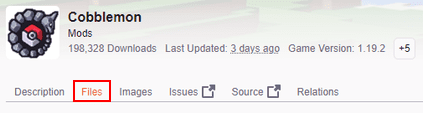
- Scroll down and locate your desired version, then select it.
- Press the “
Download” button on the right-hand side of your screen.
- Save this file somewhere easily accessible for later.
Save the dependency for your modloader (see Before You Start) in the same place as the Cobblemon file.
Client Installation
Before playing Cobblemon, install NeoForge or Fabric on your Minecraft launcher. Make sure the loader version matches Minecraft 1.21.1. Once your loader is installed, follow these steps:
- Open your Minecraft launcher, then click “
Installations” at the top.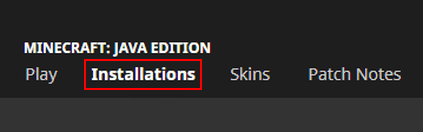
- Locate your installed NeoForge or Fabric profile and press its “
Folder” icon.
- In the newly opened folder, enter the “
mods” directory. If the mods folder does not exist, create it. - Drag and drop all the downloaded mod files into this folder.
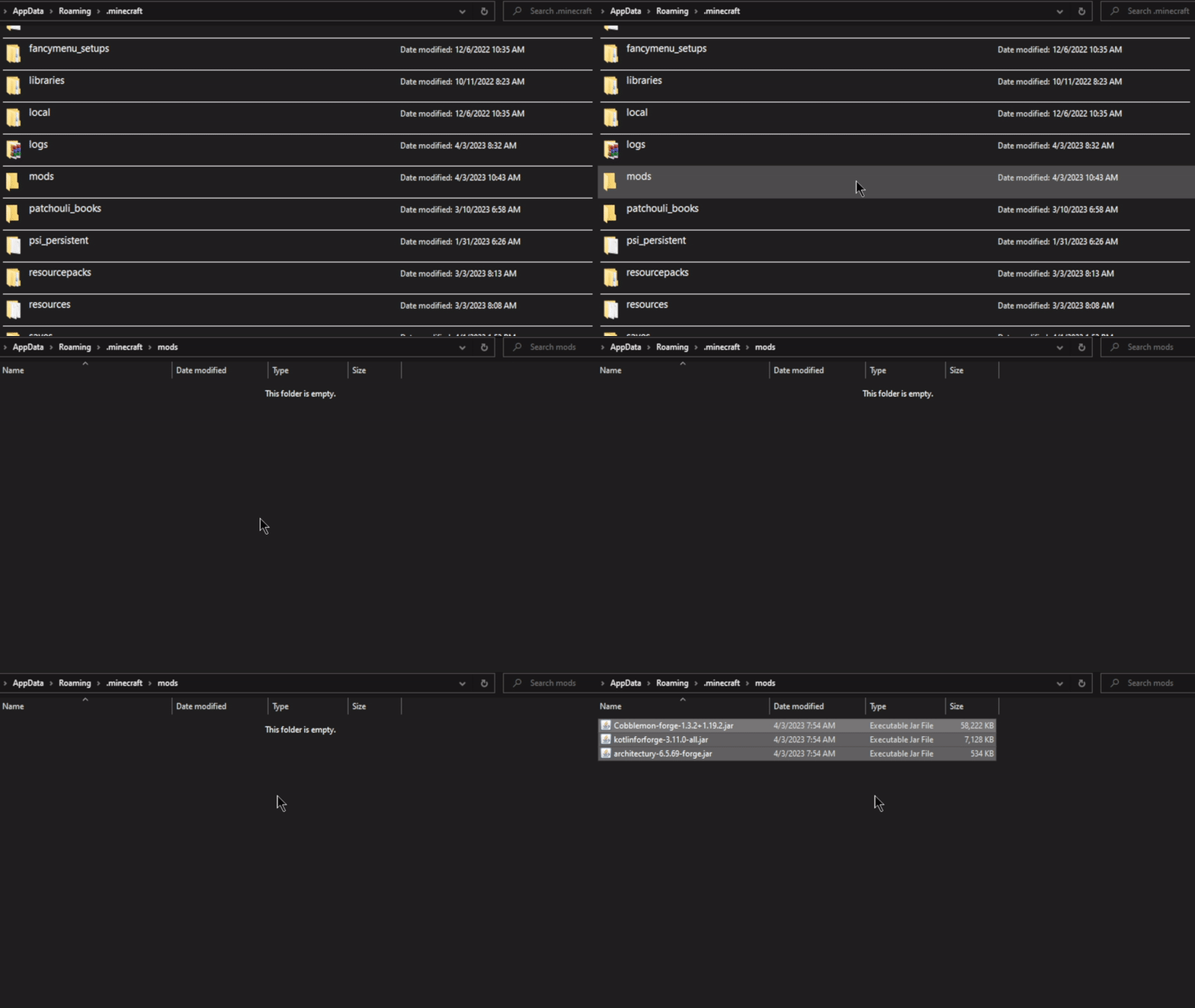
- Return to your modded profile and click “
Play” to begin loading it.
Install Cobblemon on a Minecraft Server
Installing Cobblemon on your Minecraft server requires changing the Game File to NeoForge or Fabric first. Once that is done, follow these steps to upload Cobblemon and its dependency through the Apex panel:
- Head to your Apex server panel and click “
FTP File Access” near the top left.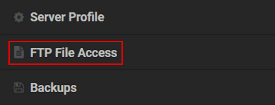
- Type your “
Password” in the text box, then click “Login.”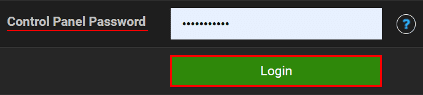
- Locate and enter the “
mods” directory from the list. - Press “
Upload” at the top left corner of your screen. - Drag and drop the mod files into the upload area, then wait for them to reach “
100%.”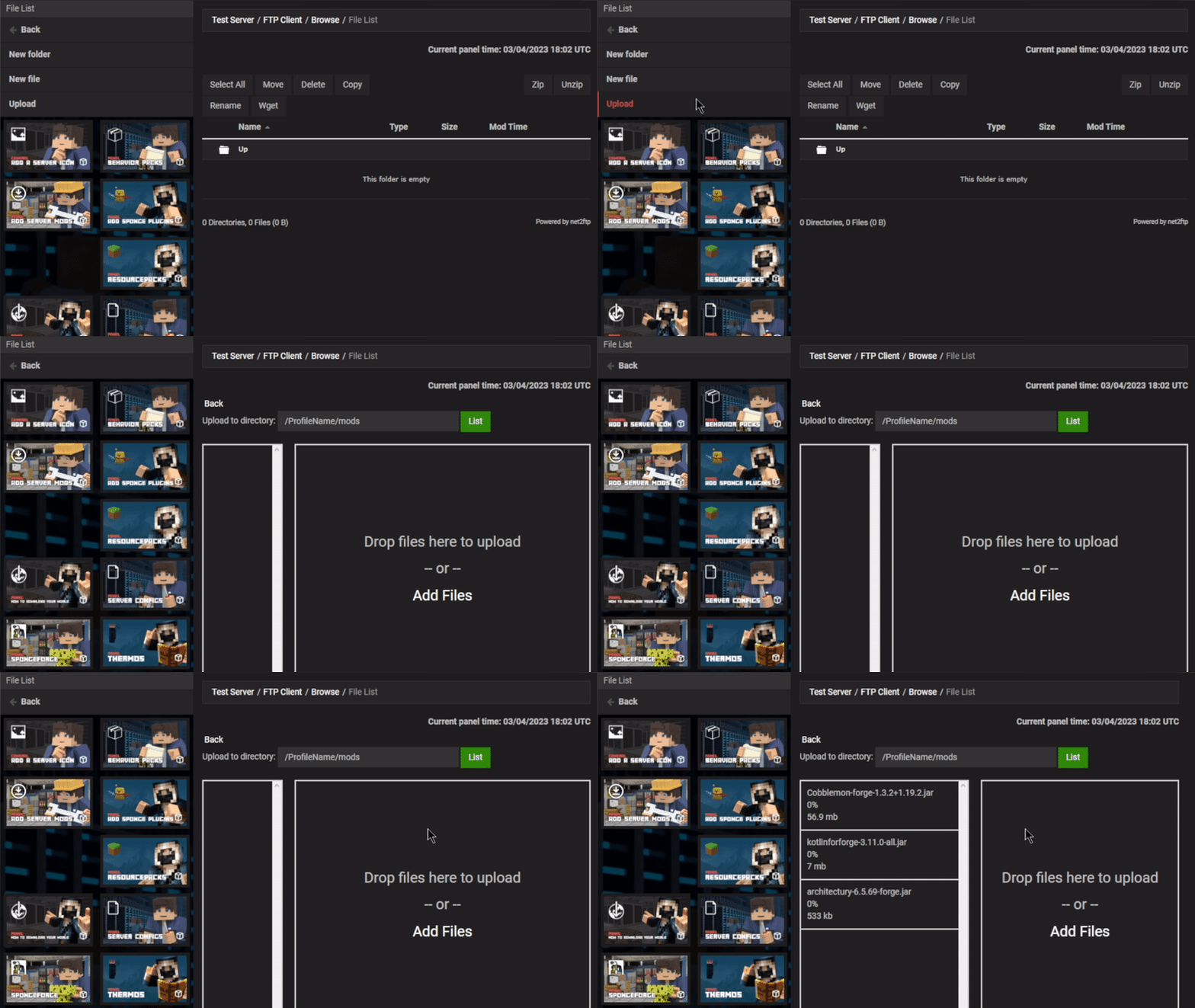
- Return to the main panel and “
Restart” the server to load the changes.
Modbox Installation
As an alternative to the manual installation, you can install Cobblemon on your server using Modbox, our built-in mod browser with direct CurseForge integration.
- Log in to your Apex Hosting account and open your Minecraft server panel.
- On the left side, select
Server Configuration > Modbox.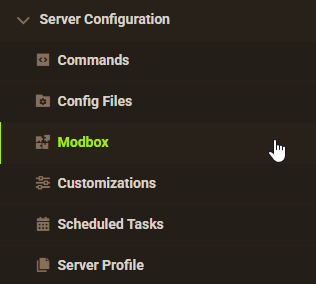
- Search for the mod you want and open its mod page.

- Select the recommended version for your server, then click
Install.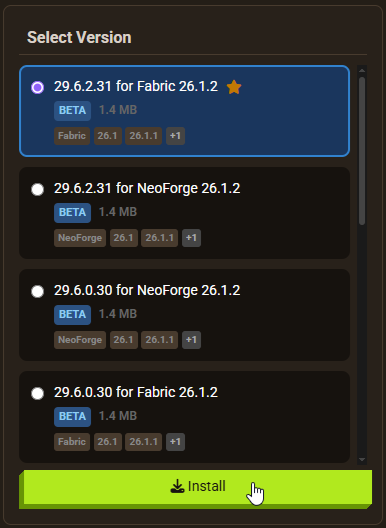
Note: Modbox automatically matches mods to your server's installed version, but does not install dependencies automatically. For more details on using Modbox, check out our full Modbox guide.
Cobblemon needs the dependency from Before You Start, so install it through Modbox first, using the steps above.
Getting Started

When you enter the world, Pokémon will be running around. They are passive unless you initiate combat. You can catch them with Poké Balls to build a party, or store them in a PC block for later. Cobblemon adds many items and blocks, so a recipe viewer mod such as JEI helps you browse crafting recipes.
Before catching or fighting any Pokémon, press “M” on your keyboard to open the starter selection menu. This lets you choose from a range of starter Pokémon. Take your time reviewing their types, abilities, and evolution paths before choosing. Once you have a starter, pressing M again opens the party menu.

Types of Pokémon

Cobblemon includes a large roster of Pokémon. Each species has its own spawn conditions, such as biome, time of day, and weather. You will encounter common low-level species regularly, while rare species require more searching. As you explore, use your Pokédex (crafted in-game) to record what you find.
Pokémon Combat
When you engage a wild Pokémon or challenge another player’s team, the game switches to a turn-based battle screen. You have four options: “Fight,” “Switch,” “Catch,” and “Run.”

Select moves to deal damage, or switch your active Pokémon for a better type match. Fire types lose to water types, water loses to electric, and so on. If your Pokémon is low on health, run away to avoid fainting. When you are ready to catch a wild Pokémon, throw a Poké Ball during the battle.
Apricorn Trees

Crafting Poké Balls requires Apricorn, a material found hanging on Apricorn trees. Several varieties exist, each corresponding to different Poké Ball types. Gathering Apricorns early in your playthrough makes crafting Poké Balls easier later.
Poké Balls
Cobblemon includes many Poké Ball types, from the basic Poké Ball to the Master Ball. The Master Ball, crafted with Netherite and special materials, catches any Pokémon without fail. Other balls offer situational advantages: higher base catch rates, bonuses for certain species, or on-capture effects. Most recipes require Apricorn and its variants.

Pokémon Storage

The party holds six Pokémon. Once that fills up, building a PC block gives you access to a full storage system of boxes. From the PC, you can organize, sort, and swap between stored and active Pokémon. Building a PC early is worth the effort, especially if you are trying to complete the Pokédex.
Healing Machine
When your Pokémon take damage in battle, use a Healing Machine to restore them. Place the machine in your base and right-click it when it is charged to heal the entire party at once. In the base mod, the machine does not require fuel or an external power source, but it needs time to recharge between uses. Crafting multiple healing machines in different locations reduces downtime during long exploration sessions.

Evolution Stones

Cobblemon adds several evolution stones and crafting materials to the world, including Dawn Stone, Dusk Stone, Shiny Stone, Thunder Stone, and Sun Stone. Each triggers specific Pokémon evolutions. For example, a Thunder Stone can evolve Pikachu into Raichu. Some evolution items can also be crafted from other in-game materials.
Pokémon Evolution

Once you have the right evolution item or your Pokémon has leveled up enough, press “M” on your keyboard to open the party menu. Select your Pokémon and open its “Info,” “Moves,” or “Stats” tab. If it is ready to evolve, an “Evolve” button appears in the bottom left corner. Press it and confirm the change near the top right area. Evolution increases your Pokémon’s stats, HP, and available moves.
Configuration
You can customize Cobblemon’s behavior by editing its configuration file through the FTP panel, the file manager in the Apex panel. This lets you adjust Cobblemon’s gameplay settings.
- Head to the “
FTP File Access” area, then “Login” with your “Password.” - Navigate to the following directory:
.../config/cobblemon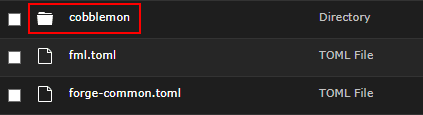
- Press “
Edit” on the “main.json” file to open its contents.
- Make any necessary changes, then click “
Save” at the top.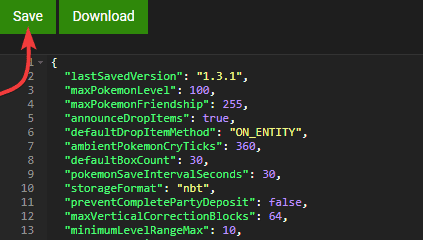
- Return to the main panel and “
Restart” the server to apply the changes.
Common Issues
Players unable to connect are usually entering the wrong IP Address:Port or Subdomain. Check the main panel for the correct connection values. Players who have not installed Cobblemon and its dependency on a NeoForge or Fabric profile will also be blocked from joining. If nobody can connect, check the server logs for errors.
If Cobblemon fails to load, double-check that the dependency from Before You Start is installed. A common mistake is downloading a dependency version that does not match the Minecraft version Cobblemon targets. Reboot the launcher after installing mods client-side.
Useful Links
Cobblemon on CurseForge
Official Cobblemon Website
How to Optimize a Modded Minecraft Server
Installing Mods to a Minecraft Server