A snowman in a top hat stands on a frozen lake at night, with glowing teeth and red eyes. Behind him, lit cabins glow between the trees. That scene comes from The Christmas Chronicles, a modpack where you complete quests, decorate the world, and survive together in the snow. This Apex Hosting guide shows how to install The Christmas Chronicles on your Minecraft server with the one-click installer.
The Christmas Chronicles Modpack Installation
The client steps put the pack on your computer. The server steps put it on your Apex server.
How to Download (Client)
- Install CurseForge if you haven’t already, as it’s required for the modpack.
- Open the CurseForge App and search for The Christmas Chronicles.
- Click Install and wait for the download to finish.
- The modpack profile will appear under My Modpacks once complete.
How to Install (Server)
Purchase an Apex Hosting Server if you don’t already have one, then follow these steps:
- Navigate to your Apex server panel and open the Game File section.
- Use the dropdown and search for The Christmas Chronicles, then select it.
- Follow the prompts: Change Version > Generate New World > Restart Now.
- Wait for the server to load and join using your modded profile.
Questlines and the Advent Calendar
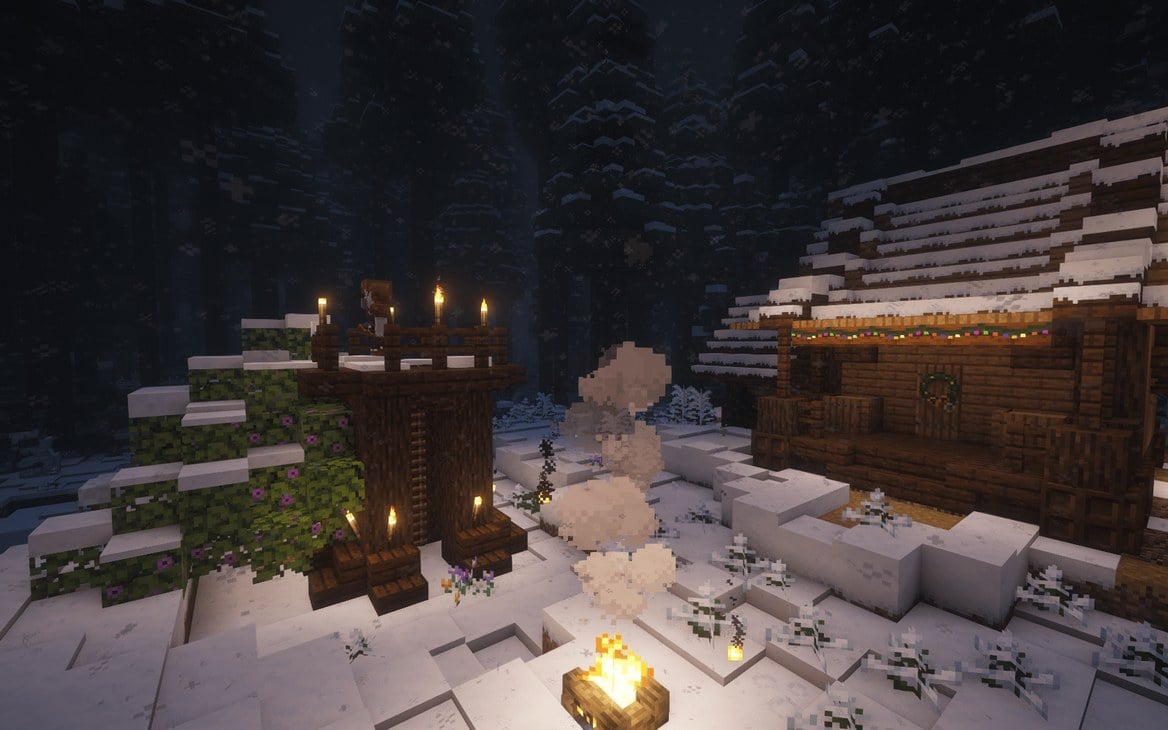
Image by djk1223 via CurseForge
The Advent Calendar hands out daily rewards, and optional seasonal challenges run alongside it. The pack page lists five questlines. First Snow covers the tasks for your first day. Seasoned Greetings is about cooking and crafting festive foods. Snow Days brings a mix of winter-themed challenges. Deck the Halls is about decorating homes and villages, and Sugar Rush sends you into Alex’s Candy Cavity.
Snowy Biomes and Dungeons
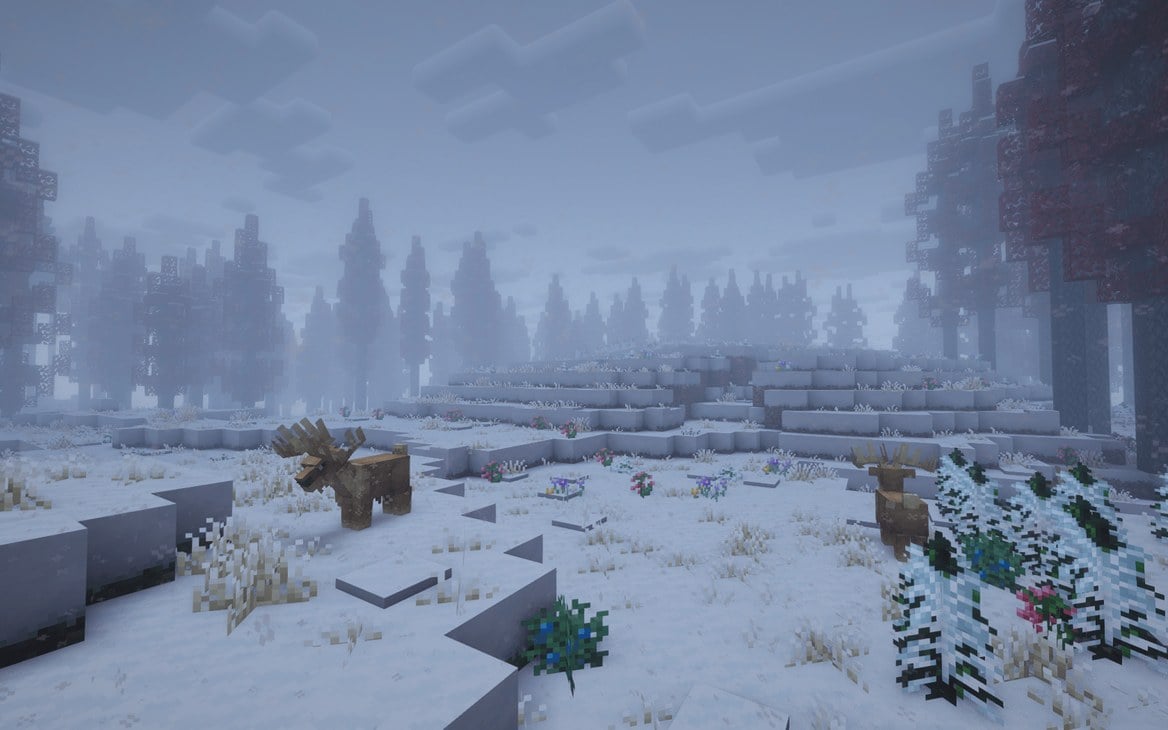
Image by djk1223 via CurseForge
The world opens onto snowy biomes, dungeons, and dimensions such as the Twilight Forest. Along the way you will meet mobs that range from friendly helpers to tough monsters.
Candy Factories and Sweet Biomes
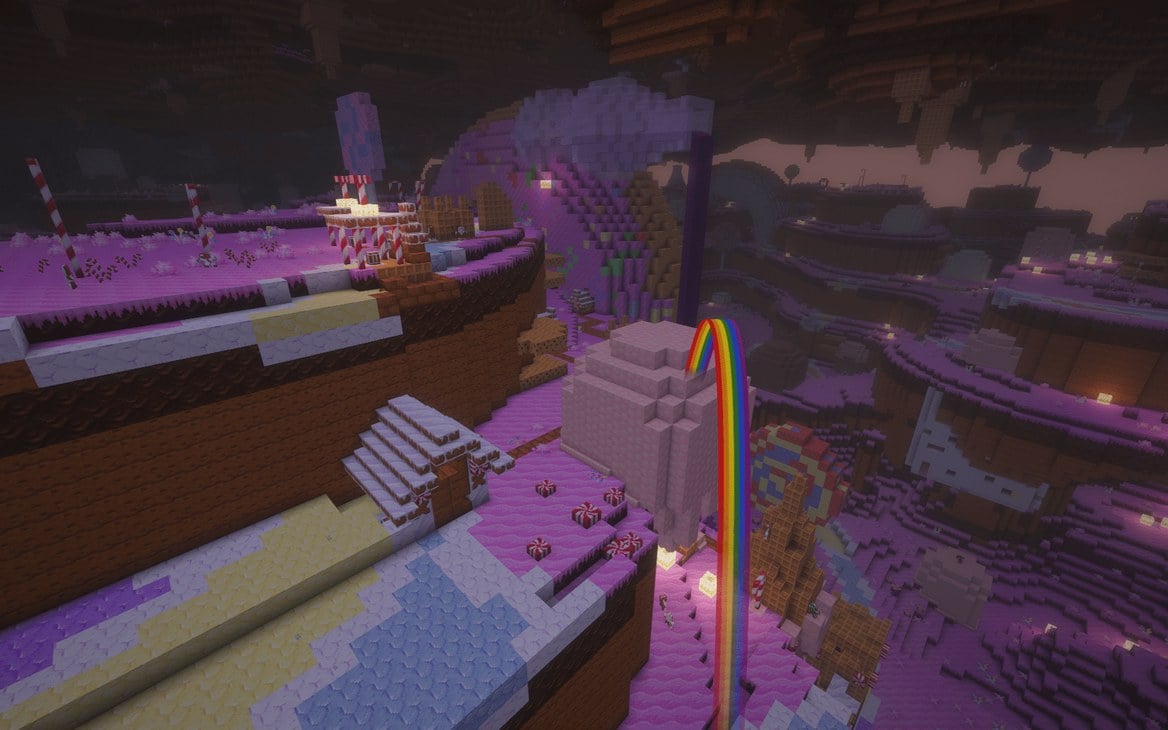
Image by djk1223 via CurseForge
With Create Confectionery, you can build candy factories and craft sweet seasonal creations. The Sugar Rush questline sends you to explore Alex’s Candy Cavity.
Frosty and the Cataclysm Bosses
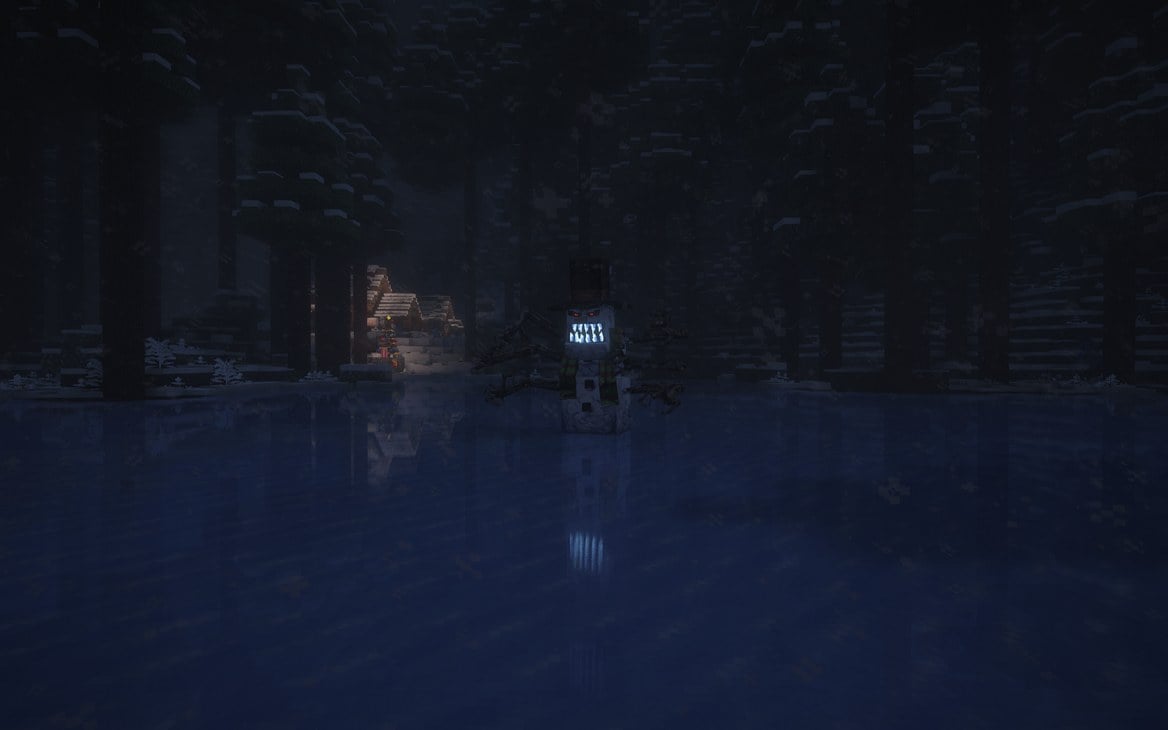
Image by djk1223 via CurseForge
You will encounter Frosty, the pack’s horror-themed mini-boss, while you explore. CurseForge also lists Horror among the pack’s categories. Naughty List bosses are another target, and Cataclysm bosses add tough endgame encounters.
Building and Decorating
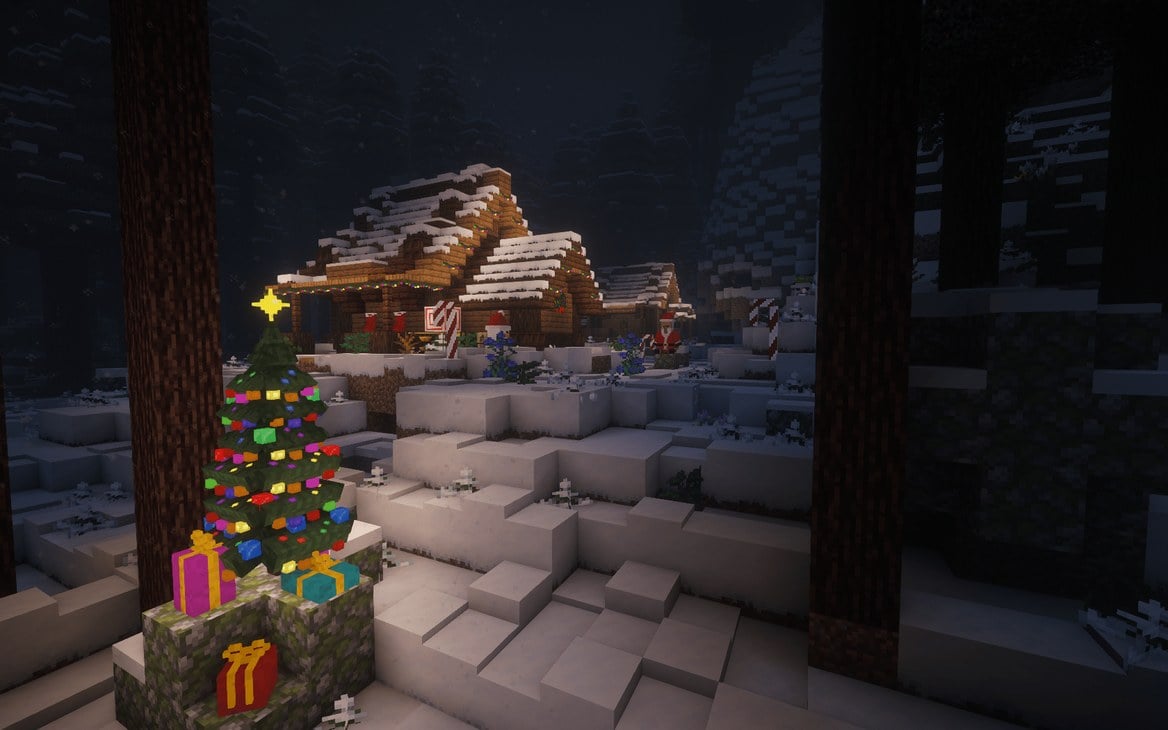
Image by djk1223 via CurseForge
Expanded building mods (add-ons that extend the game) and furniture let you craft cozy homes, festive decorations, and winter villages. The Deck the Halls questline asks you to decorate homes, villages, and more.
Server Memory for The Christmas Chronicles
Your server needs RAM, the working memory it uses to run the pack. The pack author, djk1223, recommends at least 6 GB of RAM for groups under 4 players, plus 1 GB for each additional player. The author adds that most server issues come from too little RAM, and giving the server enough memory helps keep everything running smoothly. Apex server plans differ in RAM, so match the plan you choose to the author’s advice for your group.
Host The Christmas Chronicles with Apex
The pack author partnered with Apex Hosting, and The Christmas Chronicles is on the Modpack Server List, so it installs with the one-click installer. Choose a plan from Apex Minecraft server hosting with enough RAM for your group, then follow the server steps above.
Frequently Asked Questions
What Minecraft Version and Modloader Does the Modpack Use?
The Christmas Chronicles runs on Minecraft 1.20.1 with Forge. Forge is the modloader, the tool that loads the mods.
How Much RAM Do I Need?
The pack author, djk1223, recommends at least 6 GB of RAM for groups under 4 players, plus 1 GB for each additional player. These numbers are the author’s advice.
Can I Play Solo?
Yes. The pack page says you can play solo or team up with friends to survive, explore, decorate, and complete quests together.
What Should I Do First?
Start with the First Snow questline. It covers tasks to complete on your first day.