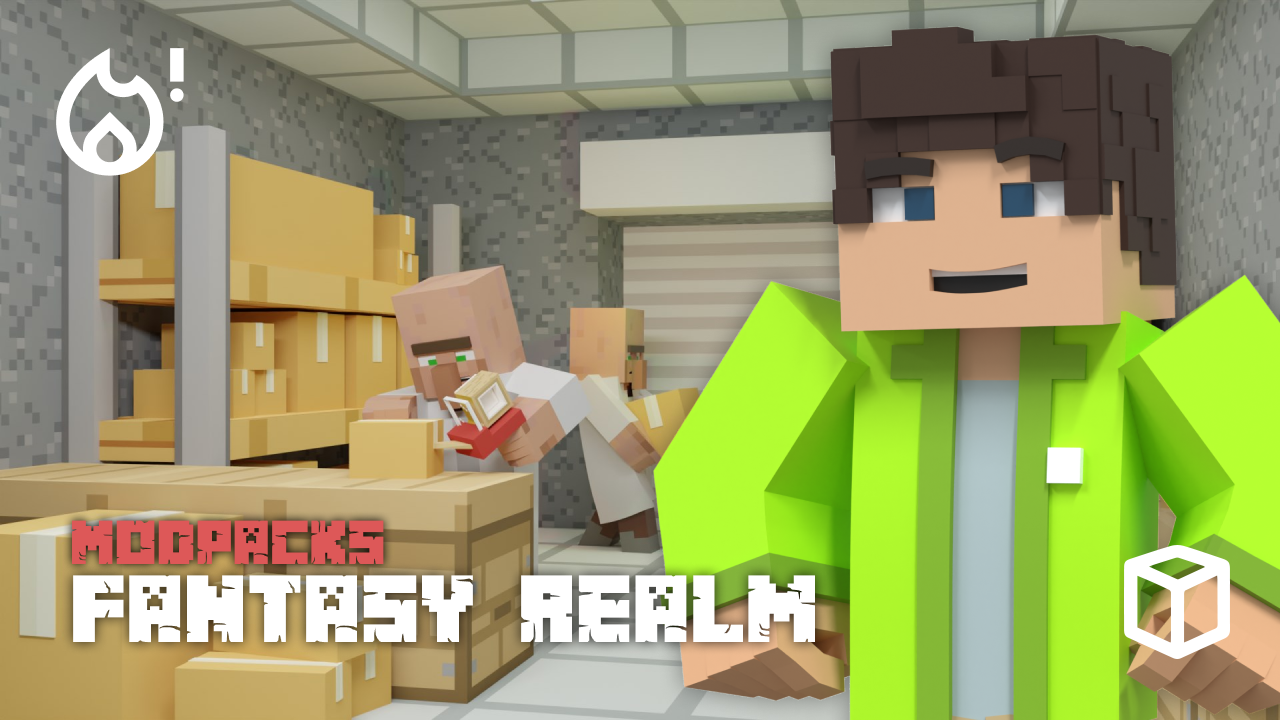
A true RPG adventure in Minecraft requires new quests, magical abilities, and a world built for exploration. The Fantasy Realm modpack delivers this with a quality-focused design and over 800 quests to lead your journey. In this Apex Hosting guide, we’ll show you how to install Fantasy Realm on your Minecraft server with our one-click installer 👏

Fantasy Realm Modpack Installation
How to Download (Client)
- Install CurseForge if you haven't already, as it's required for the modpack.
- Open the CurseForge App and search for the modpack.
- Click
Installand wait for the download to finish. - The modpack profile will appear under
My Modpacksonce complete.
How to Install (Server)
- Purchase an Apex Hosting Server if you don't already have one, then follow these steps:
- Navigate to your Apex server panel and open the
Game Filesection. - Use the dropdown and search for the modpack name, then select it.
- Follow the prompts:
Change Version > Generate New World > Restart Now. - Wait for the server to load and join using your modded profile.
Fantasy Realm Modpack Showcase
The Fantasy Realm modpack injects a high-fantasy experience directly into the blocky world of Minecraft. It introduces new worlds to explore, RPG mechanics for character growth, and a new way to build a kingdom.
Minecolonies
Build and manage a unique colony from the ground up. Workers will construct buildings, gather resources, and help your settlement grow into a proper kingdom. The Fantasy Realm pack provides all the tools needed to become a monarch.
Remastered End Dimension
The path to the final boss is completely changed. Players collect 12 new, unique eyes from across the world to activate the portal. This modification in the Fantasy Realm modpack presents a new challenge for late-game adventurers.
New Dimensions & Biomes
Exploration is greatly expanded with five brand new dimensions to discover. The Overworld also receives an update, with over 100 new biomes to find. The Fantasy Realm experience is full of new sights and materials.
RPG Stats Progression
Character development goes beyond just gear. Pressing the “K” key opens a menu for RPG-style stats and skills. This system in Fantasy Realm lets players specialize their character for different styles of play.
Modded Minecraft Server Hosting
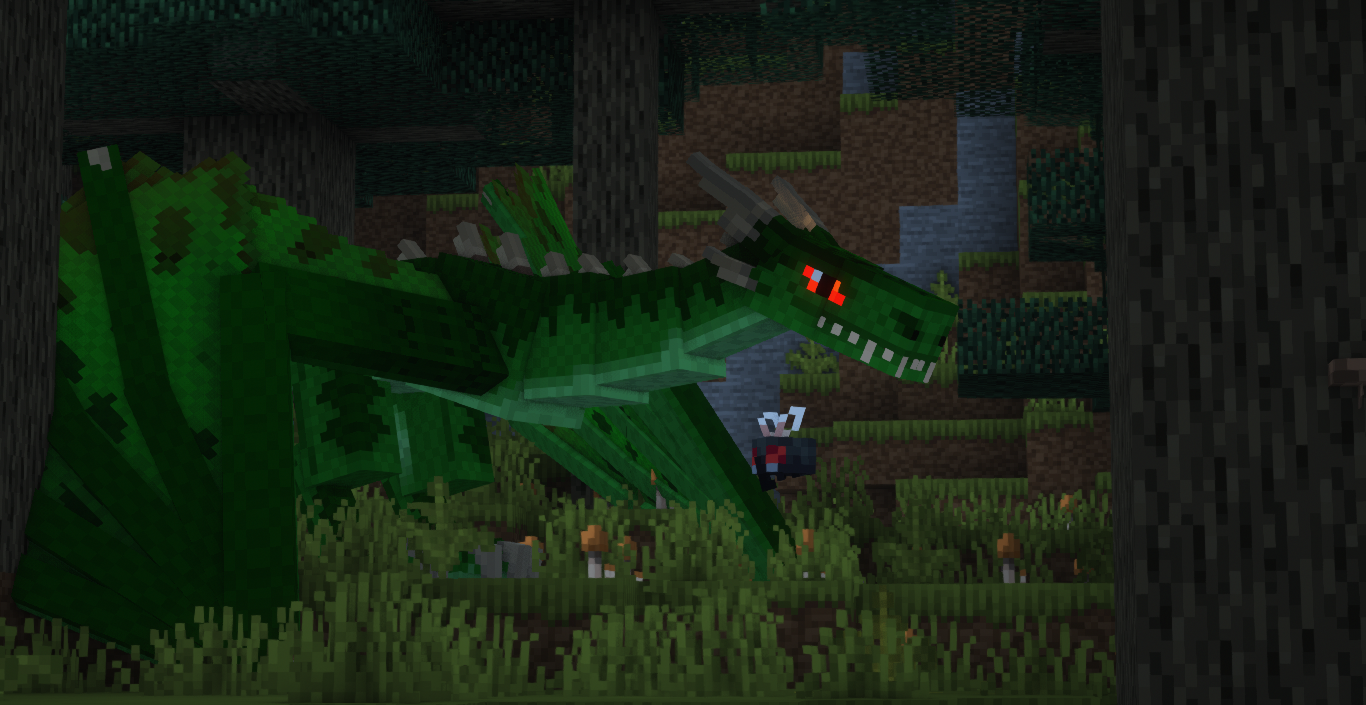
Fantasy Realm adds a quality-focused RPG experience centered on adventure and exploration to your server. There are still many new dungeons to conquer and powerful magic to learn across the world. Invite your friends and start exploring everything Fantasy Realm has to offer
Frequently Asked Questions
Below are frequently asked questions about Fantasy Realm.
How do I view my RPG stats?
To see your character’s RPG stats progression, press the “K” key. This menu provides all the details for your character’s development within Fantasy Realm.
How do I open the in-game map?
Open the Journey Map by pressing the ‘M’ key on your keyboard. This map will help you navigate the 100+ new biomes and many new dimensions.
What is the end-game goal?
The main objective is to collect 12 new Eyes to open a portal to the remastered End dimension. Fantasy Realm also offers over 800 quests to guide your adventure toward this goal.